
Dell Optiplex 960 Service Manual

Dell™ Optiplex™ 960 Mini Tower/Desktop/Small Form Factor Service Manual
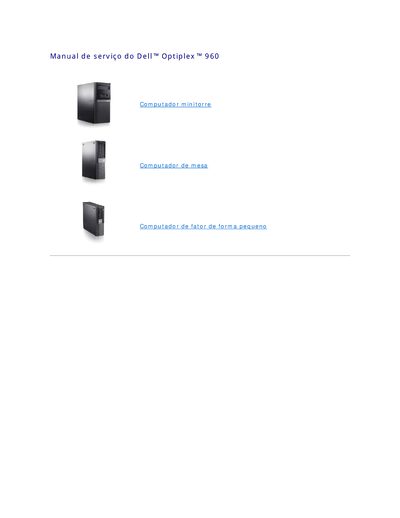

Dell Optiplex 960 Service Manual - cover page
Brand
DELL
Category
Desktops
Document type
Service Manual
Language
Portuguese
Pages
147
File format
PDF
File size
1.6 MB
Published
19 November, 2023
Updated
19 November, 2023
MD5 checksum
7CCBE2B0CE8E725B69F36D943D26179D

About this manual

This service manual provides instructions for the Dell Optiplex 960 computer, specifically covering the replacement of the system battery and procedures for working inside the computer. It details how to remove and install the coin-cell battery to maintain configuration data and time settings. This manual is written in Portuguese.

What's inside

  • Como trocar a bateria
  • Visão interna do computador
  • Como entrar em contato com a Dell
  • Notas, Avisos e Advertências
  • Placas
  • Como instalar uma placa PCI

Frequently asked questions

What type of battery keeps the computer's configuration, date, and time information?

A coin-cell battery maintains the computer's configuration, date, and time information.

Can the computer be used without the battery?

Yes, but configuration information is erased if the computer is turned off or unplugged, and the configuration options must then be reset.

What PCI and PCIe connectors does the computer provide?

It provides one low-profile PCIe x16 slot, two low-profile PCI connectors, one low-profile PCIe x1 slot, and one connector for an internal wireless network card.

What should be done before installing a PCI card to replace an existing one?

Remove the current driver for the card from the operating system.

Download PDF (1.6 MB)

More DELL Manuals


View all DELL manuals →