
Dell Vostro 1510 Laptop Service Manual

The Dell™ Vostro™ 1510 Service Manual provides information on how to disassemble, repair, and maintain the Dell™ Vostro™ 1510 notebook computer.
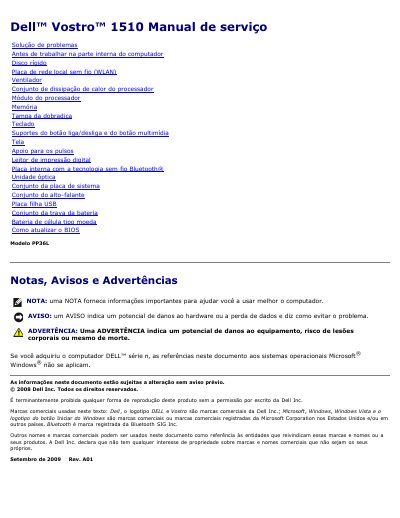

Dell Vostro 1510 Laptop Service Manual - cover page
Brand
DELL
Category
Laptops
Document type
Service Manual
Language
Portuguese
Pages
73
File format
PDF
File size
2 MB
Published
19 November, 2023
Updated
19 November, 2023
MD5 checksum
736707832531F4522D9AC753FB6AC5A5

About this manual

This Dell service manual covers the Vostro 1510 laptop and is written in Portuguese. It contains safety notices, trademark information, and copyright details for Dell Inc. dated 2008 and revised in September 2009.

It provides troubleshooting procedures, keyboard diagnostic light codes, hardware troubleshooting steps for Windows XP and Windows Vista, and instructions for starting and using Dell Diagnostics from the hard drive.

What's inside

  • Troubleshooting
  • Before working inside the computer
  • Hard drive
  • Wireless local area network card
  • Fan
  • Processor heat sink assembly
  • Processor module
  • Memory
  • Display
  • How to update the BIOS

Frequently asked questions

What should you do before starting any procedure in this section?

Follow the safety instructions provided with the computer.

Does Dell Diagnostics work on computers that are not made by Dell?

No, the Dell Diagnostics program only works on Dell computers.

What information does a note provide?

A note provides important information to help you use the computer better.

How do you start Dell Diagnostics from the hard drive?

Make sure the computer is connected to an electrical outlet, press and hold the key or the “no audio” button, and then turn on the computer.

Download PDF (2 MB)

More DELL Manuals


View all DELL manuals →