
This document describes the features and advantages of the Proline Prowirl F 200 vortex flowmeter.
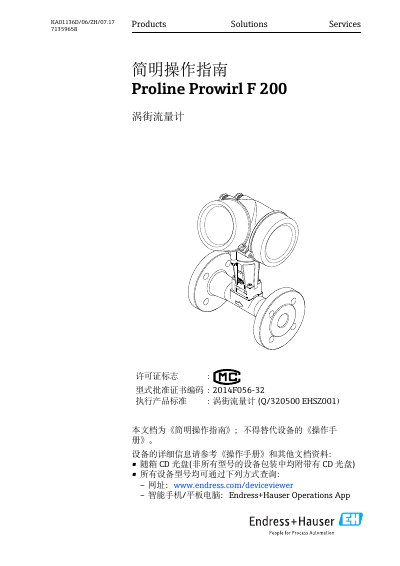
This document is the quick start guide for the Endress+Hauser Proline Prowirl F 200 vortex flowmeter. It states that it is not a substitute for the operating manual and points to the operating manual and other documentation for detailed information.
It covers basic safety, receiving and product identification, storage and transport, installation, electrical connection, operation, system integration, commissioning, diagnostic information, and maintenance. This manual is written in Chinese.
| Storage temperature (all parts except display module) | -50 to +80 C (-58 to +176 F) |
|---|---|
| Storage temperature (display module) | -40 to +80 C (-40 to +176 F) |
No. It is a quick start guide and must not replace the device operating manual; detailed information is in the operating manual and other documentation.
Check that the order code matches the product label, the items are undamaged, nameplate parameters match the order, and the package contains the technical documentation CD and printed documents where applicable.
Possible causes include incorrect supply voltage, reversed polarity, an unconnected cable, incorrectly inserted terminals, or a faulty I/O electronics module; correct the connection or order spare parts as appropriate.
It can be identified by nameplate data, order code, serial number in W@M Device Viewer, or serial number or QR code in the Endress+Hauser Operations App.