
The HP LaserJet Pro M501 is a multifunction printer that can print, copy, scan, and fax. It features: - Fast print speeds of up to 45 ppm black and 40 ppm color - High print quality with up to 1200 x 1200 dpi resolution - Support for a variety of paper sizes from A4 to A3 - Automatic duplex printing - Wireless printing with support for AirPrint and Google Cloud Print - A color touchscreen for easy operation - A variety of security features such as PIN printing and secure printing The HP LaserJet Pro M501 is an ideal printer for small and medium businesses, offering a variety of features to meet their printing needs.
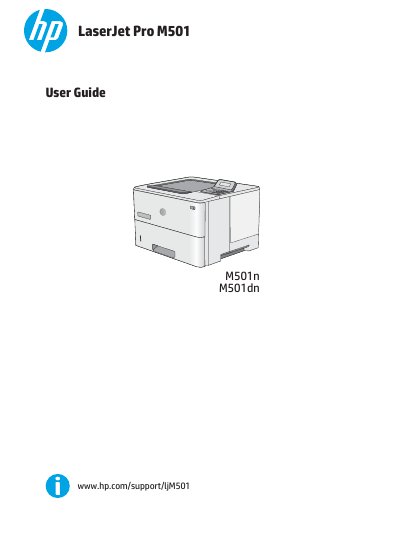
This user guide covers the HP LaserJet Pro M501 printer, including the M501n and M501dn models. It describes printer views, the control panel, interface ports, paper trays, and hardware setup.
The guide also explains printing from Windows and OS X, mobile printing, printer management with HP Embedded Web Server, energy settings, firmware updates, and troubleshooting for paper jams and print quality.
| Model name | M501n, M501dn |
|---|---|
| Paper handling | Tray 1 (100-sheet), Tray 2 (550-sheet), optional 550-sheet feeder |
| Automatic duplex printing | Not supported |
| Connectivity | 10/100/1000 Ethernet LAN, IPv4 and IPv6, Hi-Speed USB 2.0 |
| Memory | 256 MB DDR3 |
| Control-panel display | 2-line graphical display with 10-key keypad |
| Print speed | 45 ppm letter, 43 ppm A4 |
The guide covers the HP LaserJet Pro M501n and M501dn models.
No, automatic duplex printing is not supported.
The printer has 256 MB DDR3 memory.
Windows and Mac OS X computers are supported with this printer.