
The OSMO MOBILE 3 is a three-axis stabilizer that turns your phone into a cinematic camera. It features:
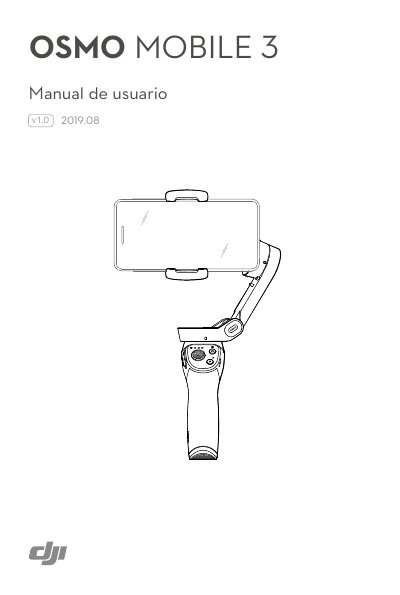
The DJI OSMO MOBILE 3 is a foldable 3-axis gimbal stabilizer that turns a smartphone into a stable video camera. It features a lightweight ergonomic design, USB-A port for phone charging, and a 1/4"-20 UNC tripod mount.
The manual explains how to charge the device (2.5 hours with a 10W charger), mount and balance a phone, use the handle controls (M button, shutter, joystick, zoom slider, trigger), operate modes like ActiveTrack 3.0, Story, Hyperlapse, Timelapse, and Panorama via the DJI Mimo app, update firmware, and maintain the gimbal. Maximum operating time is 15 hours under ideal conditions. This manual is written in Spanish.
| Charging Time | 2.5 hours (with 10W charger) |
|---|---|
| Maximum Operating Time | 15 hours (ideal conditions, balanced) |
It takes 2.5 hours to fully charge the device when using a 10 W charger.
The maximum operating time is 15 hours under ideal conditions with the stabilizer balanced.
The device features an M3x0.5 mounting hole for attaching accessories.