
This guide covers setup, operation, and safety procedures for the DJI Phantom 2 Vision Plus drone, including battery checks, compass calibration, and flight…
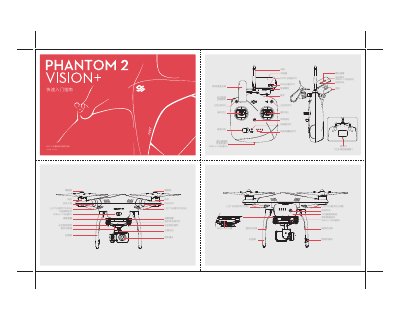
This document serves as a quick start guide for the DJI Phantom 2 Vision Plus drone. It details the identification of components on the remote controller and aircraft, such as the power switch, joysticks, and camera interface. The guide provides step-by-step instructions for preparing the aircraft, including removing protective labels and installing propellers, as well as connecting the mobile device via Wi-Fi to the DJI VISION App. This manual is written in Chinese.
The remote controller is preset to American hand control mode (left throttle) at the factory.
It is safe to take off when the tail LED flight indicator light flashes green slowly, indicating a GPS flight state.
Manually activate the program by quickly switching the S1 switch on the remote controller from top to bottom 5 times or more until the tail LED light stays yellow.