
Protein Deconvolution application includes two separate deconvolution algorithms for converting series of multiply charged ions into single molecular weights.
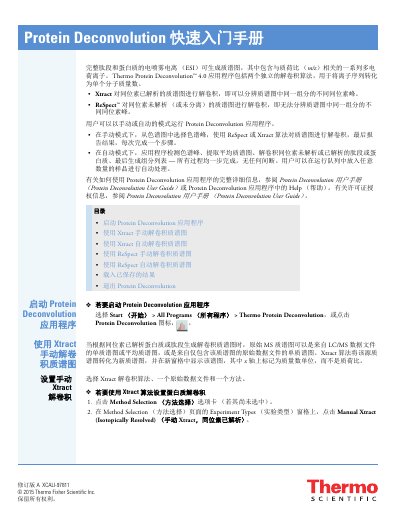
This quick start guide introduces the Thermo Fisher Scientific Protein Deconvolution 4.0 application. It explains how to start the application and use the Xtract or ReSpect algorithms to deconvolute mass spectra manually or automatically.
The guide also describes loading saved results and exiting the application. Xtract is used for isotopically resolved mass spectra, while ReSpect is used for isotopically unresolved mass spectra. This manual is written in Chinese.
Xtract is used for isotopically resolved mass spectra, and ReSpect is used for isotopically unresolved mass spectra.
Yes, users can run the application in manual or automatic mode.
Xtract converts the source mass spectrum into a new mass spectrum displayed with mass units on the x-axis.
Select Start > All Programs > Thermo Protein Deconvolution, or click the Protein Deconvolution icon.