
The OMRON HEM-7120 is an automatic blood pressure monitor that uses the oscillometric method of blood pressure measurement. This blood pressure monitor is easy to use and does not require a stethoscope.
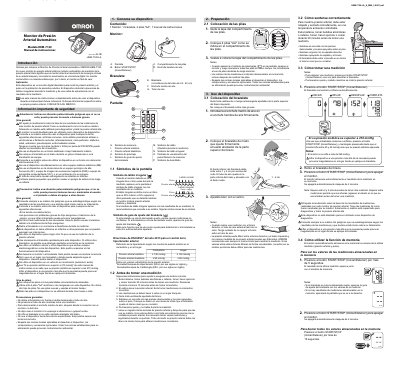
The OMRON HEM-7120 is an automatic blood pressure monitor that uses the oscillometric method to measure blood pressure and pulse in adult patients. It detects irregular heartbeats during measurement and provides a warning signal with the result. The manual instructs users to read it fully before use and to consult a physician for diagnosis or treatment.
The guide covers important safety information, device parts and display symbols, battery installation, cuff placement, proper sitting position, taking a measurement, and memory use. It states that the monitor stores the last measurement and turns off automatically after 2 minutes. This manual is written in Spanish.
| Measurement method | Oscillometric method |
|---|---|
| Intended patient population | Adult patients |
| Battery type | 4 AA alkaline or manganese batteries |
| Cuff position | 1 to 2 cm above the elbow |
| Auto power off | After 2 minutes |
| Memory | Last measurement values (blood pressure and pulse) |
It uses four AA alkaline or manganese batteries. Only this battery type should be used with the device.
Press the START/STOP button for more than 5 seconds. The last measurement result appears with the memory symbol.
Wait 2 to 3 minutes before taking another measurement.
It appears when the monitor detects an irregular rhythm two or more times during a measurement. The manual recommends consulting a physician if it appears with the measurement results.