
This product is a dash cam that can record videos while the vehicle is operating. It can help you collect evidence in case of an accident. The product's user manual provides detailed instructions on how to use and maintain the product.
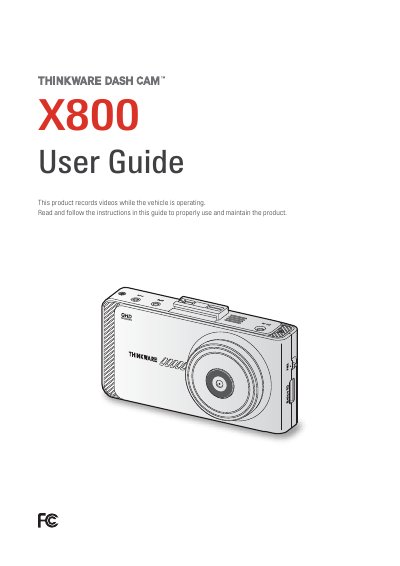
THINKWARE X800 is a dash cam that records videos while the vehicle is operating. This user guide is intended for THINKWARE X800 models only and covers safety information, product overview, installation, recording features, optional ADAS, settings, product information, PC viewer use, troubleshooting, and specifications.
Important use notes include operating the product between 14°F and 140°F (-10°C to 60°C), storing it between -4°F and 158°F (-20°C to 70°C), using it inside the vehicle only, and checking local laws because audio recording is on by default.
| Operating temperature | 14°F to 140°F (-10°C to 60°C) |
|---|---|
| Storage temperature | -4°F to 158°F (-20°C to 70°C) |
No. The product is not guaranteed to record or process cloud data for all events.
Yes. Audio recording is ON by default.
No. The device is intended to be used inside the vehicle only.
Video recording is not available if the power connector is disconnected.