
User manual for the Thinkware U1000 dash cam, covering installation, recording features, settings, and troubleshooting.
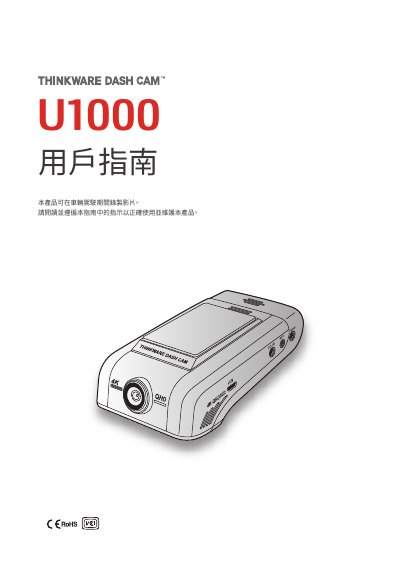
This user manual provides instructions for the Thinkware U1000 dash cam, a device designed to record video while the vehicle is being driven. It includes safety information, product overview, and installation steps for the front and optional rear recorders and radar module.
The guide details how to use recording functions such as loop recording, parking mode, and super night vision. It also explains how to connect the device to a smartphone or computer to view and manage recorded footage, and covers various system settings including resolution, brightness, and advanced driver assistance systems (ADAS). This manual is written in Chinese.
| Operating Temperature | 14° F to 140° F (-10℃ to 60℃) |
|---|---|
| Storage Temperature | -4° F to 158° F (-20℃ to 70℃) |
| FCC ID | 2ADTG-U1000 |
| ICES-003 IC | 12594A-U1000 |
The device should be used at temperatures between 14° F and 140° F (-10℃ to 60℃).
The device can be stored at temperatures between -4° F and 158° F (-20℃ to 70℃).
Yes, the manual includes a section on installing the optional rear recorder.