
User manual for the THINKWARE Q200 dash cam, covering installation, recording, mobile and PC viewer use, settings, firmware updates, troubleshooting, and…
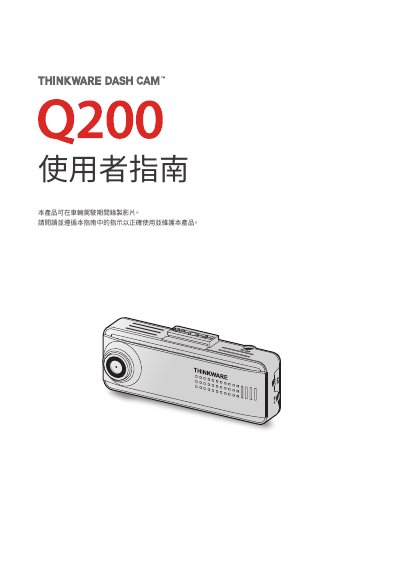
The THINKWARE Q200 is a dash cam that records video while a vehicle is being driven. The manual covers the front main unit, optional rear camera, hardwiring cable, memory card handling, installation, recording functions, parking mode, Super Night Vision, and road safety features.
It also explains connecting the product to a smartphone through the mobile viewer, using the PC viewer, configuring settings, upgrading firmware, troubleshooting, and specifications. This manual is written in Chinese.
| Operating temperature | 14 °F to 140 °F (-10 °C to 60 °C) |
|---|---|
| Storage temperature | -4 °F to 158 °F (-20 °C to 70 °C) |
| Memory card | microSD card (consumable) |
The operating temperature range is 14 °F to 140 °F (-10 °C to 60 °C).
Press and hold the REC button and the Wi-Fi button together for 3 seconds.
Press and hold the REC button and the Wi-Fi button together for 7 seconds.
The rear camera is optional.