
User guide for the Thinkware F200 dash cam covering installation, operation, settings, and specifications.
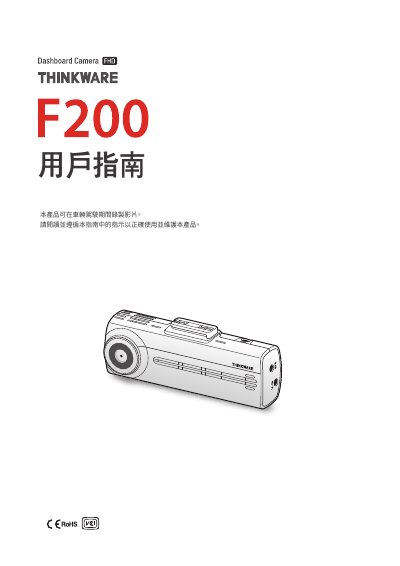
This user guide provides instructions for safely installing and using the Thinkware F200 dash cam. It explains safety warnings, power‑line handling, and proper mounting to avoid interference with the driver’s view. The guide also outlines the product’s warranty and regulatory statements.
The manual includes sections on product overview, installation of the front and optional rear cameras, recording functions (continuous, event‑triggered, parking mode), mobile and computer viewers, system settings, firmware upgrades, troubleshooting, and a full specifications table. It is intended for vehicle owners who need to record video evidence of driving incidents. This manual is written in Chinese.
| Model | F200 |
|---|---|
| Dimensions / Weight | 98.5 × 34 × 22 mm / 54 g |
| Supported Memory Card | microSD UHS‑1 16‑128 GB, Class 10 8 GB |
| Video Resolution | FHD (1920 × 1080) H.264 |
| Maximum Frame Rate | 30 fps |
| Lens Field of View | ≈ 140° diagonal |
| Accelerometer | 3‑axis ±3 g |
| Power Input | DC 12 V / 24 V |
| Power Consumption (Wi‑Fi on) | 2 ch 3.1 W / 1 ch 2.3 W |
| Operating Temperature | 14 °F – 140 °F (‑10 °C – 60 °C) |
| Storage Temperature | -4 °F – 158 °F (‑20 °C – 70 °C) |
| Interface | 1 × V‑IN port |
Make sure the power cable (car charger or hard‑wired cable) is correctly connected to the vehicle and that the vehicle battery has sufficient charge.
Remove the protective film from the camera lens before recording; a remaining film can make the video appear blurry.
Insert the microSD card with the metal contacts facing the device and use a genuine Thinkware card; an incorrectly oriented or non‑genuine card will not be recognized.