
This document describes the getting started guide of GeneMapper ® Software v4.0 LOH Analysis.
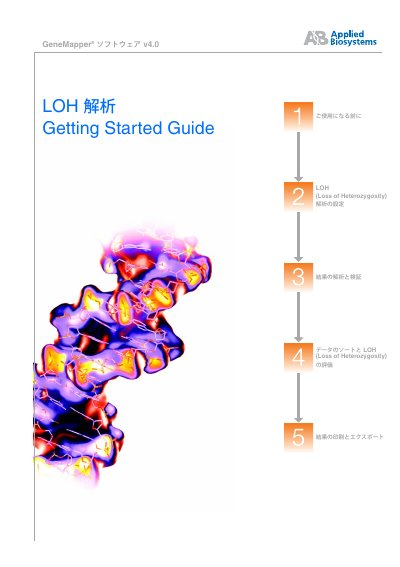
This Japanese Getting Started Guide explains step-by-step procedures for sizing, genotyping, and evaluating LOH microsatellite data created with compatible Applied Biosystems sequencers and Data Collection software using GeneMapper Software v4.0. It also covers troubleshooting, printing and exporting data, and report creation.
The guide is intended for beginning users of GeneMapper Software. It is for research use only and not for diagnostic procedures. Prerequisites include GeneMapper Software v4.0 installed according to the Installation and Administration Guide and practical knowledge of Microsoft Windows XP. This manual is written in Japanese.
It provides step-by-step concise instructions for sizing, genotyping, and evaluating LOH microsatellite data, plus troubleshooting, printing, exporting, and report creation.
GeneMapper Software v4.0 must be installed according to the Installation and Administration Guide.