
Applied Biosystems 3500 and 3500xL Genetic Analyzers Quick Reference Card

A quick reference guide for the maintenance, operation, and data collection procedures of the Applied Biosystems 3500 and 3500xL Genetic Analyzers.
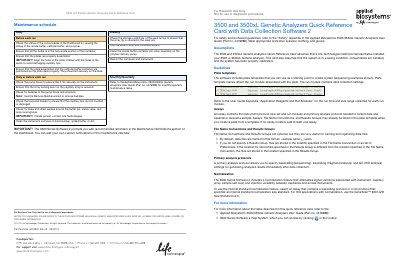

Applied Biosystems 3500 and 3500xL Genetic Analyzers Quick Reference Card - cover page
Brand
Applied Biosystems
Category
Other
Document type
Product Leaflet
Language
English
Pages
3
File format
PDF
File size
306 KB
Published
29 October, 2026
Updated
29 October, 2026
MD5 checksum
1109FED6345463AB022FBA944916E70D

About this manual

This document serves as a quick reference card for the Applied Biosystems 3500 and 3500xL Genetic Analyzers, providing essential information for maintenance, operation, and data collection. It outlines daily and weekly maintenance schedules, including checks for consumables, buffer status, and instrument cleaning. The guide also details workflow steps for starting the system, setting up plates, and monitoring runs.

What's inside

  • Maintenance schedule
  • Workflow
  • Plate mapping
  • Assays
  • File Name Conventions
  • Primary analysis protocols
  • Normalization
  • Start the System
  • Set Up and Run
  • Review Results

Frequently asked questions

What is the maximum number of capillaries supported on the 3500 Genetic Analyzer?

The 3500 Genetic Analyzer supports a maximum of 8 capillaries.

How long does the instrument preheat function run automatically?

The preheat function automatically turns off after 2 hours.

How many minutes should the instrument remain at the selected temperature before starting a run?

The instrument should remain at the selected temperature for at least 30 minutes before the start of a run.

Download PDF (306 KB)

More Applied Biosystems Manuals


View all Applied Biosystems manuals →