
Applied Biosystems GeneMapper Microsatellite Analysis Guide

This guide provides step-by-step instructions for performing microsatellite analysis using the Applied Biosystems GeneMapper software, covering parameter…
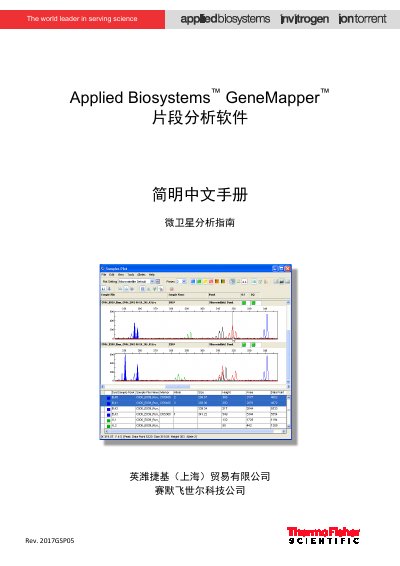

Applied Biosystems GeneMapper Microsatellite Analysis Guide - cover page
Brand
Applied Biosystems
Category
Other
Document type
User Manual
Language
Chinese
Pages
14
File format
PDF
File size
2.2 MB
Published
17 October, 2026
Updated
17 October, 2026
MD5 checksum
B93433E219705F7B95ADBDE346F4579B

About this manual

This document is a simplified Chinese user guide for the Applied Biosystems GeneMapper fragment analysis software, specifically focusing on the microsatellite analysis workflow. It details the software terminology and provides a structured process for users to follow. This manual is written in Chinese.

What's inside

  • Software Terminology
  • Setting Microsatellite Analysis Method
  • Creating Kit, Panel, and Marker
  • Importing Data
  • Setting Analysis Parameters
  • Executing Initial Analysis
  • Creating Bin Set
  • Editing Bin Set
  • Analyzing and Checking Results
  • Printing and Exporting Data

Frequently asked questions

What is the default username for logging into GeneMapper software?

The default username is gm.

How do you create a new analysis method in the software?

Select Microsatellite as the analysis type and confirm with OK.

Download PDF (2.2 MB)

More Applied Biosystems Manuals


View all Applied Biosystems manuals →