
This document provides a step-by-step setup and run protocol for the ABI 3500 Genetic Analyzer, covering startup, plate creation, and shutdown procedures.
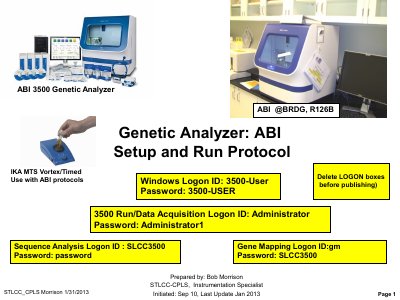
This document serves as a practical guide for operating the ABI 3500 Genetic Analyzer. It outlines the essential workflow from powering on the instrument and logging into the Windows system to preparing the software environment. Key steps include installing buffer containers, refreshing RFID tags, and managing the maintenance wizard to ensure the instrument is ready for analysis.
The Windows Logon ID is 3500 with the password 3500, and the Run/Data Acquisition Logon ID is Administrator with the password Administrator1.
You must turn on the instrument and wait for a steady GREEN light before booting up the computer.
You must remove the polymer pouch and replace it with a Conditioning pouch.