
TC-NR10-P Series Net Video Recorder Manual, suitable for TC-NR1004/08/16M7-P1/2/4 PSE Series NVR, TC-NR10-S Series TC-NR1004/08/16/32M7-S1/2/4/8 Standard Series NVR.
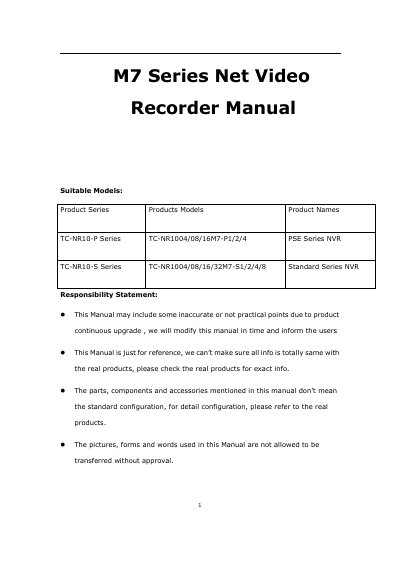
This manual covers the TC-NR10-P Series (models TC-NR1004/08/16M7-P1/2/4, PSE Series NVR) and the TC-NR10-S Series (models TC-NR1004/08/16/32M7-S1/2/4/8, Standard Series NVR). It describes the recorders' main functions, front and rear panel operation, HDD installation, and configuration of channels, preview, PTZ control, recording, playback, backup, network, disk management and user management.
The recorders support IP cameras, high speed dome IP cameras, Internet video servers and third-party IP products with Onvif protocol, dual-stream compression per channel, VGA and HDMI output, and split preview screens of 1/4/6/8/9/16/25/32. Appendices cover hard disk capacity calculation, troubleshooting and maintenance instructions. Default administrator account and password are both "admin" and the default IP address is 192.168.1.3.
| Supported protocols | TCP/IP/PPPoE/DHCP/DNS/DDNS/NTP/SADP/NFS/HTTPS |
|---|---|
| Video output | VGA and HDMI |
| Split preview screens | 1/4/6/8/9/16/25/32 |
| Synchronous playback | Max 16 channels |
| Default IP address | 192.168.1.3 |
| Default administrator account | admin / admin |
The default administrator account is "admin" and the default password is also "admin".
The default IP address is 192.168.1.3.
Do not switch off the power directly; use the shut-down button on the front panel (press and hold for 3 seconds) or the shut-down button on the video interface, then shut down the power.
Possible reasons include a badly connected RS-485 cable, an incorrect PTZ decoder type, a broken RS-485 interface, a serial port location mismatch (default is A2B2), or serial port configuration that does not match the protocol.