
This document is a user manual for Panasonic's KX-TEA308 Advanced Hybrid System. The system supports the connection of Panasonic-specific telephones (TEs), Extension Direct Selection Consoles (SDEs), and single-line devices such as regular telephones (TRs), faxes, cordless telephones, and data terminals.
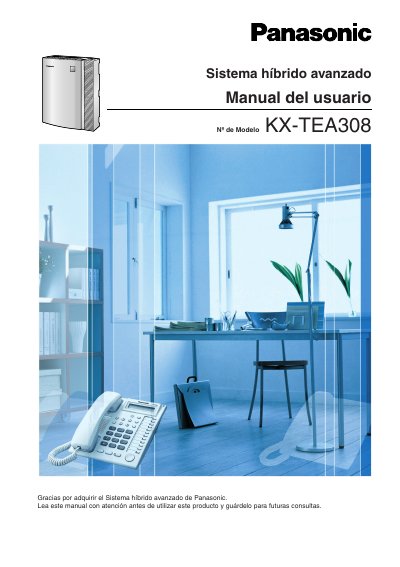
This user manual describes the Panasonic KX-TEA308 Advanced Hybrid System and its use with Panasonic proprietary telephones, direct station selection consoles, and single-line devices such as regular telephones, fax machines, cordless telephones, and data terminals. It presents call handling features, including making and receiving calls, transferring and holding calls, conferencing, call forwarding, and built-in voice messaging.
The manual also covers operator and administrator tasks, personal and system programming, call log management, troubleshooting, function number tables, and tone identification, along with safety instructions and guidance for testing outside lines. This manual is written in Spanish.
| Model variants | KX-TEA308E, KX-TEA308NE, KX-TEA308GR, KX-TEA308CE, KX-TEA308PD |
|---|---|
| Supported network | Analog PSTN in European countries |
| Telecom compliance | Directive 1999/5/EC |
The manual lists KX-TEA308E, KX-TEA308NE, KX-TEA308GR, KX-TEA308CE, and KX-TEA308PD as models designed for analog PSTN networks in European countries.
Disconnect the unit from the AC outlet and contact qualified Panasonic service after confirming that smoke is no longer emitted.
Disconnect the PBX from all outside lines, connect working regular telephones to the outside lines, and place an external call using those telephones.
Yes. It supports built-in voice messaging (MVI) and connection to a separate voice processing system.