
The PRO5150™ Handheld Radio User Manual describes the features and functions of the PRO5150 radio.
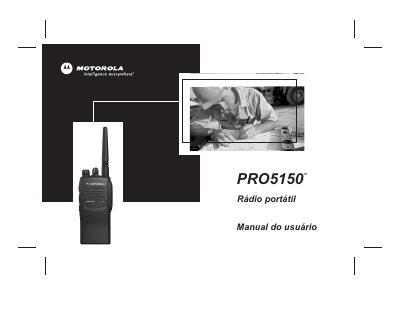
This Portuguese user manual is for the Motorola PRO5150 handheld radio. It explains the radio parts and controls, programmable buttons, LED and audio indicators, battery handling, antenna and belt-clip attachment, and turning the radio on and off.
It also covers making and receiving radio calls, scan operation, phone mode, the limited warranty, and Motorola accessories listed in the manual. This manual is written in Portuguese.
| Supported battery chemistries | Nickel-cadmium (Ni-Cd), nickel-metal hydride (NiMH) and lithium-ion |
|---|---|
| Recommended battery charging temperature | Approximately 25 °C ambient when possible |
| Recommended microphone distance | 2.5 to 5 cm from the mouth |
| Long programmable-button press | At least 1.5 seconds |
It uses rechargeable nickel-cadmium (Ni-Cd), nickel-metal hydride (NiMH), or lithium-ion batteries.
Hold the microphone 2.5 to 5 cm from your mouth and speak clearly.
Press and hold the programmable button for at least 1.5 seconds.
Yes, switch the radio off to ensure a full charge.