
A concise guide for operating the Motorola LS7708 omnidirectional laser scanner, covering setup, controls, scanning, and maintenance.
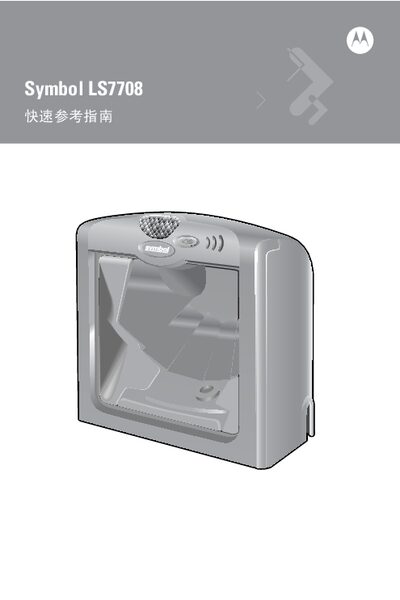
The Quick Reference Guide explains how to power, install, and use the LS7708 laser scanner. It describes the LED indicators, volume‑control button, and cable routing options, and provides step‑by‑step instructions for mounting the scanner with a bracket.
Additional sections cover barcode scanning procedures, the effective scan area, sleep mode behavior, RF‑interference compliance, and end‑of‑life recycling information for EU customers. This manual is written in Chinese.
| Power | Scans whenever power is connected; no on/off switch |
|---|---|
| LED Indicator | Red/green dual‑color LED shows operation and decode status |
Press and hold the “volume control and wake” button for about five seconds; the scanner cycles through low, medium, and high levels, beeping twice at each level.
Press the “volume control and wake” button briefly; the scanner will exit either laser or motor sleep mode.
Connect the scanner and any receivers to separate power outlets and consult a qualified RF/TV technician for mitigation steps.