
This document is a user manual for a Motorola baby monitor. It describes the features and functions of the baby monitor and provides instructions on how to use it.
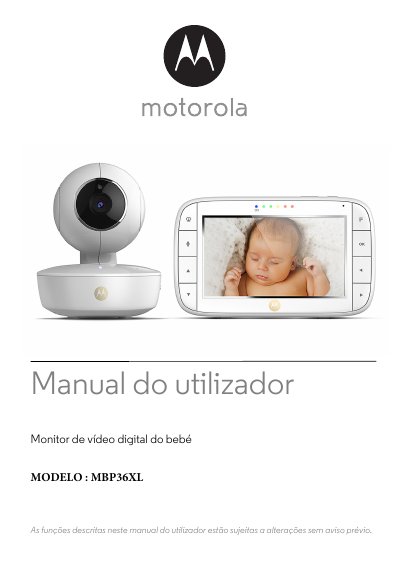
The Motorola MBP36XL user manual explains how to set up and use the digital baby video monitor. It covers the supplied parent and baby units, power adapters, charging, and pairing the units over the radio link.
The guide also describes parent-unit menu options such as volume, brightness, lullabies, zoom, alarm, temperature display and camera control, plus night vision, talk mode, power saving, cleaning and help. This manual is written in Portuguese.
| Baby unit power adapter | 5 V DC / 1000 mA |
|---|---|
| Baby unit battery | 2.4 V, 900 mAh Ni-MH rechargeable battery |
| Baby unit runtime without mains power | Up to 3 hours |
| Parent unit battery | Built-in rechargeable lithium-ion battery pack, not user-accessible |
Use only the supplied adapter rated 5 V DC / 1000 mA.
Charge the battery for at least 16 hours before first use.
Keep the monitor at least 1 meter away from these 2.4 GHz products, or turn them off if they cause interference.
No. The lithium-ion battery pack is not user-accessible; contact the support line if replacement is needed.