
This document is a user guide for the EON series speakers.
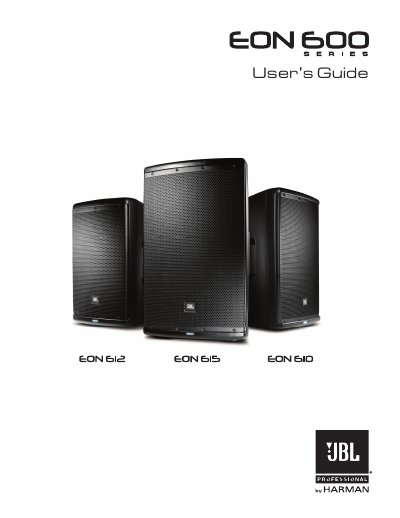
This user guide covers JBL EON600 Series self-powered loudspeakers, including safety instructions, quick setup, specifications, Bluetooth integration, placement, and troubleshooting. It describes 10-, 12-, and 15-inch two-way models rated at 1000 watts and lists back-panel controls and setup steps.
The guide also includes a declaration of conformity, FCC and Industry Canada statements, application examples, warranty information, and contact information.
| Power consumption | 430W Max |
|---|---|
| AC input | 100-120VAC 50/60Hz; 230-240VAC 50/60Hz |
| Fuse | T3.15L250V |
| 10-inch model power | 1000 Watt |
| 10-inch model weight | 26 lbs (11.79 kg) |
| 10-inch model coverage | 110° H / 60° V |
| 12-inch model power | 1000 Watt |
| 12-inch model weight | 33 lbs (14.96 kg) |
| 12-inch model coverage | 100° H / 60° V |
| 15-inch model power | 1000 Watt |
| 15-inch model weight | 39 lbs (17.69 kg) |
| 15-inch model coverage | 90° H / 60° V |
The package includes one EON600 speaker, one 10' (3m) IEC power cable, and one Quick Start Guide.
Confirm the power button is off, connect the supplied power cord, plug it into an outlet, then flip the power switch and press the power button on.
Try reorienting or relocating the receiving antenna, increasing separation, using a different circuit, or consulting a dealer or technician.
The specified fuse type is T3.15L250V.