
The Pulse Escape is a Bluetooth headset with the following features: 1. 2.402 - 2.480 GHz frequency range 2. Maximum RF power of 3.36 dBm 3. Product ID of SH012 4. FCC ID of VLJ-SH012 5. IC of 4522A-SH012 6. Bluetooth ID of D034992
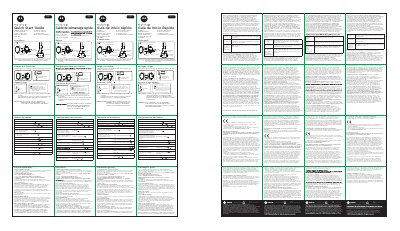
The Motorola Pulse Escape is a Bluetooth headset identified by product ID SH012. The guide lists a frequency band of 2.402–2.480 GHz and maximum RF power of 3.36 dBm, and shows the power switch, aux-in, status light, microphone, Micro USB charge port, volume buttons, and play/pause button.
The quick start guide explains charging before use until the status light turns blue, pairing by turning on the headset and long pressing for 2 seconds until the status light flashes blue/red rapidly, then selecting “Pulse Escape” in Bluetooth settings. It also covers button operations for music, calls, voice commands, and battery checks, plus the limited warranty for this Motorola branded product manufactured under license by Binatone.
| Frequency band | 2.402 – 2.480 GHz |
|---|---|
| Maximum RF power | 3.36 dBm |
| Product ID | SH012 |
| FCC ID | VLJ-SH012 |
| IC | 4522A-SH012 |
| Bluetooth ID | D034992 |
| Charge port | Micro USB |
Turn Bluetooth on, turn the headset on, long press for 2 seconds until the status light flashes blue/red rapidly, then select “Pulse Escape” in your Bluetooth settings.
Charge until the status light turns blue; a wall charger is not included.
No. Any attempt to remove or replace the battery will damage the headset, and the battery should only be removed by a recycling facility.
Double press during idle mode, then say the command.