
This document is a quick start guide for a baby monitor. It describes how to set up and use the baby monitor.
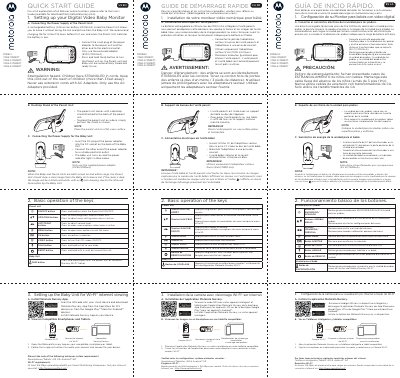
This quick start guide covers the Motorola VM44 CONNECT series of digital video baby monitors, including the VM44-2 CONNECT, VM44-3 CONNECT and VM44-4 CONNECT models. It walks through connecting the power supply of the parent unit with its built-in rechargeable 2000mAh lithium ion battery, using the parent unit's desktop stand, and powering the baby unit with the supplied 5VDC/1000mA adapter. A safety warning about cord strangulation is included.
The guide then explains the basic operation of the parent unit keys (power, up/down, left/right, menu, OK, video, talk and reset) and the baby unit PAIR button, followed by steps for setting up the baby unit for Wi-Fi internet viewing with the Motorola Nursery app, including the minimum smartphone and tablet system requirements. The text appears in English, French and Spanish sections across two pages.
| Parent unit battery | Rechargeable lithium ion battery, 2000mAh |
|---|---|
| Parent unit power adapter | 5VDC / 1000mA (enclosed adapter) |
| Baby unit power adapter | DC 5V / 1000mA (supplied) |
| Recommended first charge time | At least 16 hours |
| Smartphone/tablet requirements | iOS 9.0, Android 5.0 |
| Wi-Fi requirement | At least 0.6 Mbps upload bandwidth per monitoring companion |
| Cord placement | Keep cord more than 3 feet away from children |
Charge it for at least 16 hours before first use, and also when the parent unit indicates the battery is low.
Only the supplied power adapter rated DC5V/1000mA.
The guide lists iOS 9.0 or Android 5.0, with at least 0.6 Mbps upload bandwidth per monitoring companion.
Press and hold the power button; the parent unit and baby unit link automatically and are ready to use.