
The GP-E2 is a GPS receiver that can add location information to images or record your route.
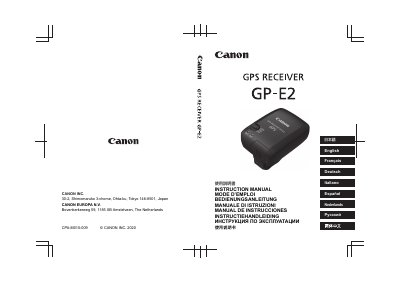
Canon GP-E2 is a GPS receiver for compatible cameras. The manual explains how to insert batteries, attach it to a camera, receive GPS signals, add location and shooting-direction information to images, record movement routes in LOG mode, set location-information update intervals, use the built-in electronic compass, set camera time from GPS, and use the optional bracket.
It also covers included accessories, part names, GPS precautions, and the GPS Log File Utility for saving or converting log files. Some functions depend on the camera; cameras must show [GPS device settings] in their menu, and EOS 5D Mark II and EOS 7D require compatible firmware. This manual is written in Japanese.
| Position information added to images | Latitude, longitude, altitude, and Coordinated Universal Time (UTC) |
|---|---|
| Electronic compass | Built-in; magnetic north reference |
| Connection cables | Approx. 5 cm and 1.5 m |
| Time setting accuracy | Approx. 0.05 sec (EOS-1D X); approx. 1 sec (other cameras) |
| Compatible cameras | Cameras with [GPS device settings] in menu |
| Optional bracket | Accessory Bracket AB-E1 (sold separately) |
It can add location and shooting-direction information to images, record movement routes in LOG mode, and set camera time from GPS.
Cameras whose menu displays [GPS device settings]; some functions are unavailable on some cameras.