
SNZB-02D is a smart temperature and humidity sensor with LCD screen, allows you to see the real-time temperature and humidity on the screen and monitor the living conditions on the App, provides accurate measurements with ultra-high precision, ability to switch between ℃ and ℉, store and export historical data, get alerts and notifications, voi
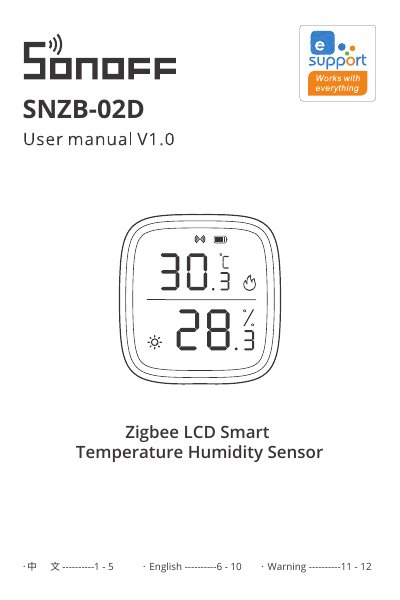
The SONOFF SNZB-02D is a Zigbee smart temperature and humidity sensor with an LCD screen. It shows real-time temperature and humidity on the device and supports monitoring in the eWeLink app, ℃/℉ switching, historical data storage and export, alert notifications, voice commands, and smart scenes.
The manual explains pairing to a SONOFF Zigbee gateway, checking effective communication distance, and installing the sensor on a desktop or with the magnetic/3M adhesive base. It also covers battery replacement, button actions, specifications, and FCC/IC warnings.
| Model | SNZB-02D |
|---|---|
| Power supply | 3V button cell x 1 |
| Battery model | CR2450 |
| Wireless connection | Zigbee 3.0 |
| Working temperature | -9.9℃~60℃ (English specifications) |
| Working humidity | 5%-95% RH, non-condensing |
| LCD dimension | 2.8" |
| Casing material | PC+LCD |
| Product dimension | 59.5x62.5x18.5mm |
| Operation frequency | 2405-2480MHz (Zigbee), 2402-2480MHz (BLE) |
| RF output power | 5dBm (Zigbee), 5.5dBm (BLE) |
In the eWeLink app, tap Add on the Zigbee Bridge page and long-press the device button for 5 seconds until the Zigbee signal icon flashes; pairing takes 30 seconds.
Double-press the button to switch unit readings; the factory default is ℃.
It uses one 3V button cell, model CR2450.
Long-press the button for 5 seconds to restore factory settings and enter Zigbee network pairing mode again.