
MINI Extreme Wi-Fi Smart Switch can turn an ordinary switch into a smart switch, which is safe and intelligent, and can be linked with other devices in smart scenes to realize your home automation.
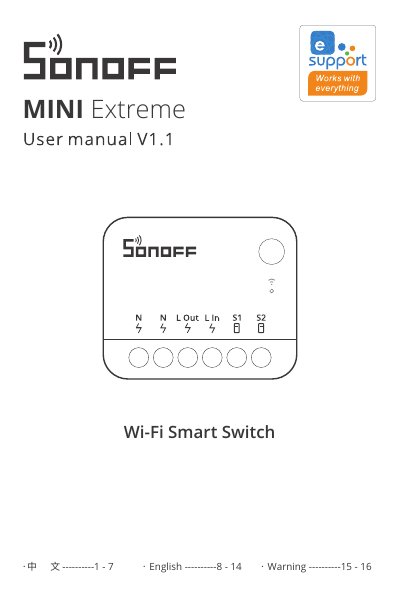
MINI Extreme (model MINIR4) is a compact Sonoff Wi-Fi smart switch that can be installed inside a switch box and supports loads of up to 10A, turning an ordinary switch into a smart switch. Input and output are 100-240V ~ 50/60Hz at 10A max, maximum power is 2400W, and Wi-Fi is IEEE 802.11b/g/n on 2.4GHz.
Wiring must be done by a professional electrician with the power off; the S1 and S2 terminals may be connected to a switch or left unconnected, and must never be connected to neutral or ground. Pairing is done in the eWeLink (易微联) app with the phone's Bluetooth enabled, and the manual also covers adding sub-devices, device settings, changing the network, restoring factory settings and troubleshooting, followed by product specifications and FCC, ISED and EU compliance warnings. This manual is written in Chinese.
| Model | MINIR4 |
|---|---|
| Input | 100-240V ~ 50/60Hz, 10A Max |
| Output | 100-240V ~ 50/60Hz, 10A Max |
| Maximum power | 2400W |
| Wi-Fi | IEEE 802.11b/g/n 2.4GHz |
| Operating humidity | 5%-95%RH, non-condensing |
| Housing material | PC V0 |
| Dimensions | 39.5 x 33 x 16.8 mm |
| Weight | Less than 1 kg (recommended installation height below 2 m) |
On first power-on the device enters pairing mode by default, with the network indicator blinking two short and one long. If pairing is not done within 10 minutes it exits the mode and can be re-entered by holding the button for 5 seconds.
The switch supports 10A maximum at 100-240V, with a maximum power of 2400W.
Check that the device is in pairing mode, phone location services are enabled, the Wi-Fi runs on the 2.4GHz band, the network name and password are correct without special characters, and the device is close to the router.
Delete the device in the eWeLink App, and the device returns to factory settings.