
This is a SONOFF smart light bulb manual, which introduces the use of the bulb and product parameters.
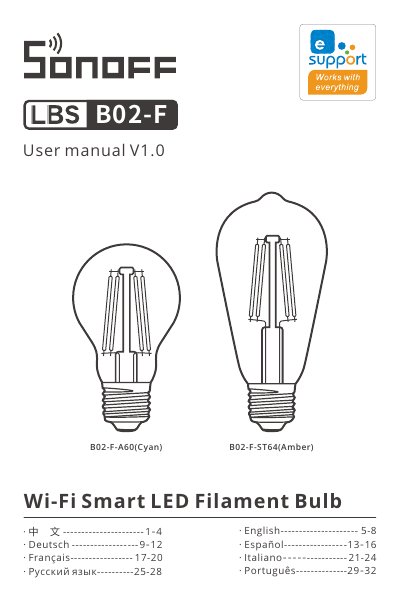
This manual guides users through installing and pairing the SONOFF A60 and ST64 smart bulbs with the eWeLink app. It details quick and compatible pairing modes, brightness and color temperature adjustment, and troubleshooting for offline devices. The bulbs support 2.4GHz Wi-Fi, have a 15,000-hour lifespan, and are designed for remote control via smartphone apps.
Technical specs include 7W power, E27 screw base, and color temperatures ranging from 1800K to 6500K depending on model. The manual also covers factory reset, group control, and scene modes for advanced usage.
| Color Temperature | 2200K-6500K (A60) / 1800K-5000K (ST64) |
|---|---|
| Lamp Base | E27 |
| CRI | ≥Ra80 |
Check if the Wi-Fi password is correct, if the device is too far from the router, if 5G Wi-Fi is being used (use 2.4GHz), if MAC filtering is enabled, or if the external network is unstable.
Turn on the device and press the switch 3 times in 1-second intervals. The device will enter quick pairing mode when it shows a breathing pattern.