
This manual provides installation, setup, and operation instructions for the SONOFF iFan03 Wi-Fi Fan & Light Controller, including pairing with the RM433…
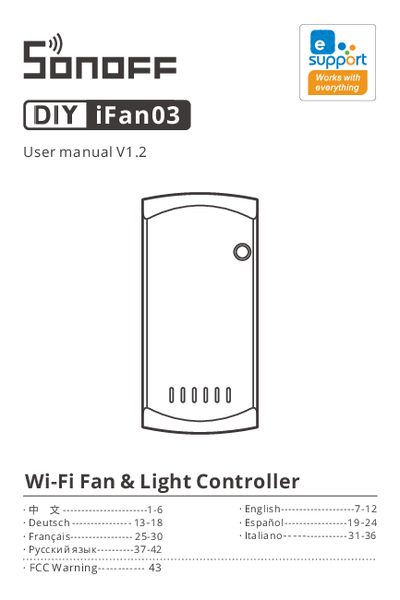
The SONOFF iFan03 is a smart controller designed to manage ceiling fans and lighting. It supports control via the eWeLink app using 2.4GHz Wi-Fi or through local RF signals using the included RM433 remote controller. The device allows users to remotely turn lights and fans on or off, set schedules, and adjust fan speeds. This manual is written in Chinese.
| Input Voltage | 100-240V AC 50/60Hz |
|---|---|
| Max Light Load (Tungsten) | 660W/220V Max |
| Max Light Load (LED) | 300W/220V Max |
| Wi-Fi Standard | IEEE 802.11 b/g/n 2.4GHz |
| RF Frequency | 433.92MHz |
No, the device does not support 5G Wi-Fi networks; you must select a 2.4GHz Wi-Fi network.
The controller supports a maximum of 660W for a tungsten lamp.
You must long press the button for 5 seconds until the fan makes two short and one long beep.
The device supports only 2.4GHz Wi-Fi networks.