
The Dell B5460dn Laser Printer User's Guide provides information on how to use and maintain the printer.
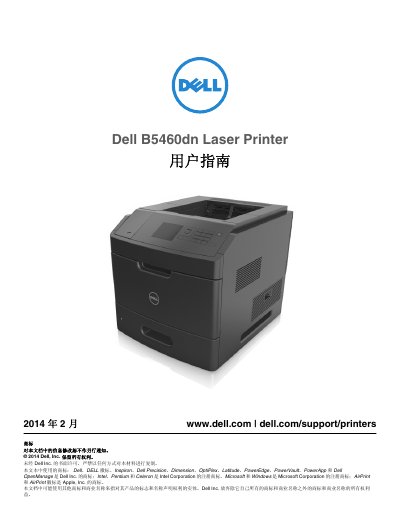
The Dell B5460dn Laser Printer User's Guide is a Chinese-language document for setting up and using the printer. It covers safety information, selecting a location, printer configuration, the control panel, installing internal and hardware options, connecting cables, and setting up printer software and network connections.
Later sections explain loading paper and specialty media, printing documents and held jobs, printer menus, saving paper and toner, security features, maintenance, supplies, moving the printer, clearing jams, and troubleshooting. The guide also lists printer messages and contact information for Dell support. This manual is written in Chinese.
| Printer weight | More than 18 kg (40 lb) |
|---|---|
| Recommended operating temperature | 15.6 to 32.2 °C (60 to 90 °F) |
| Storage temperature | -40 to 43.3 °C (-40 to 110 °F) |
| Standard tray capacity | 550 sheets (Tray 1) |
The guide states that the printer weighs more than 18 kg (40 lb), so two or more trained people are needed to lift it safely.
Dell recommends an ambient temperature of 15.6 to 32.2 °C (60 to 90 °F) and advises avoiding temperature fluctuations.
The guide points to www.dell.com/support/printers and www.dell.com/support/manuals for documentation, drivers, updates, and support.
Turn off the printer, unplug the power cable, and disconnect all power cables and cables from the printer before moving it.