
This electronic user's guide is intended for anyone who uses a Philips display.
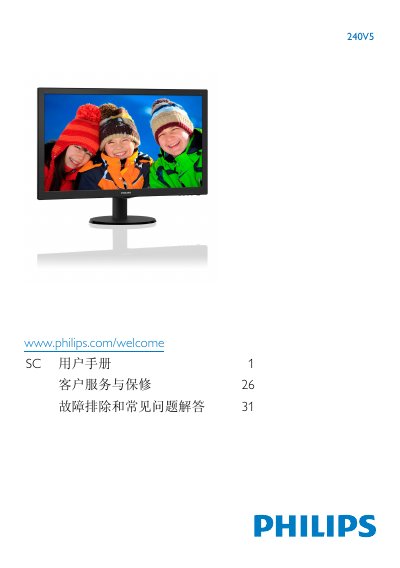
This user manual covers the installation, operation, and image optimization settings for the Philips 240V5 monitor. It includes instructions on connecting the monitor to a PC, using the on-screen display (OSD) menu, and adjusting picture settings such as brightness, contrast, and color temperature. The guide also explains how to remove the stand and provides information on safety precautions and environmental disposal. This manual is written in Chinese.
1920 x 1080 @ 60 Hz.
0-40˚C (32-95˚F) and 20-80% RH.
Organic solvents such as alcohol or ammonia-containing liquids.
Enable a periodic screen refresh application.