
Philips DVP2880 DVD Player User Manual

Philips DVP2880 DVD player user manual
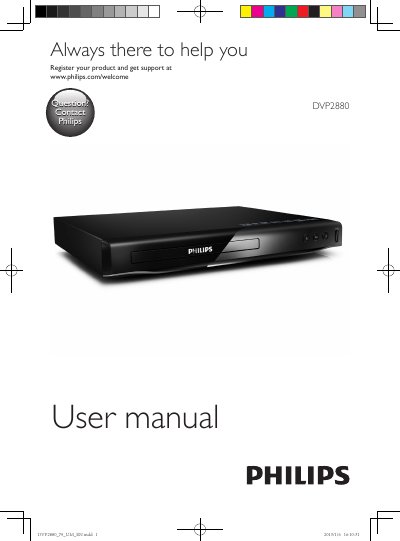

Philips DVP2880 DVD Player User Manual - cover page
Brand
Philips
Category
Other Electronics
Document type
User Manual
Language
English
Pages
22
File format
PDF
File size
1.5 MB
Published
07 November, 2023
Updated
07 November, 2023
Model
DVP2880
MD5 checksum
A064574E1380B852E4F48193980A0BFC

About this manual

This manual provides instructions for setting up and using the Philips DVP2880 DVD player. It covers basic operations such as playing DVDs, VCDs, CDs, MP3 files, and JPEG images from discs or USB storage devices. The guide details how to use the remote control for navigation, volume, and playback functions like repeat and skip.

What's inside

  • Hookup and play
  • Use your DVD player
  • Basic play control
  • Video options
  • Play a musical slideshow
  • Repeat play
  • Skip play
  • Play DivX videos
  • Use Philips EasyLink
  • Change settings

Frequently asked questions

Can the DVP2880 play DivX videos?

Yes, it can play DivX videos from a disc or a USB storage device.

Where is the DivX VOD code found?

It is found under Setup > General > DivX(R) VOD Code.

What does One Touch Play do?

When you play a disc on this player, the TV automatically switches to the correct video input source.

How can I play music and pictures at the same time?

Play a music file, navigate to the picture files, select a picture from the same disc or USB, and press OK to start the slideshow.

Download PDF (1.5 MB)

More Philips Manuals


View all Philips manuals →