
CCD Linear Scan Engine with Built-in Decoder MDC-100/MDC-200
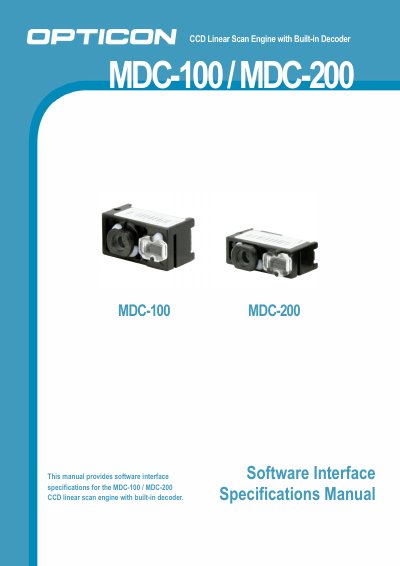
The MDC-100/MDC-200 is a compact CCD linear scan engine with a built-in decoder that can be installed in handheld products such as handy terminals. It connects to a host system via a serial interface and can be controlled via serial commands.
The manual describes the 12-pin interface signals, connection method, RS232/USB-HID/USB-COM communication options, power mode transitions, and configuration using Universal menu labels, Universal commands, or OptiConfigure. It also covers string options and illumination LED configuration.
| Interface connector | IRISO IMSA-9681S-12, 12-pin, 0.5 mm pitch, FFC connector, bottom contact type |
|---|---|
| Power supply | DC 3.0V ~ 3.6V |
| Communication interfaces | RS232, USB-HID, USB-COM |
| Data length | 7 bit or 8 bit (default: 8 bit) |
| Parity | Odd / Even / None (default: none) |
| Stop bits | 1 or 2 (default: 1 bit) |
| Baud rate | 3,00bps to 115,200bps (default: 9,600bps) |
| Low power mode interface | RS-232C only |
It supports RS232, USB-HID and USB-COM. RS232 and USB require different circuitry in the host system.
It is connected to a host system via a serial interface and can be controlled via serial commands.
The power supply is DC 3.0V to 3.6V.
Low Power mode is only available when using the RS-232C interface.