
This document is the user manual for the LHA7126/LHA7127 Fixed Position Scanner, which provides an overview of the product, technical specifications, configuration, performance testing, application engineering support, and maintenance.
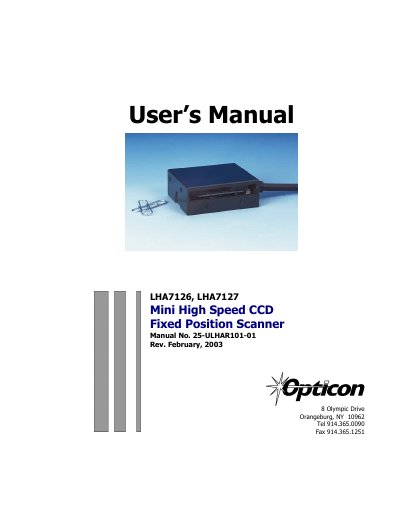
The Opticon LHA7126 and LHA7127 are miniature, 700 scans per second bar code readers designed to be easily incorporated into host equipment. These scanners feature a compact, rugged steel enclosure with no moving parts and utilize advanced 32-bit microprocessor technology for high-speed operation and superior accuracy.
| Scan Rate | 700 scans per second ±10% |
|---|---|
| Wavelength of LED Illumination | 660 nanometers |
| Read Sensor | CCD linear array |
| Operating Voltage | +5VDC + 5% |
| Current Operating (typical) | 158 mA |
| Case Material | Steel (Black) |
The scanners support Codabar, Code 39, Code 93, Code 128, Industrial 2 of 5, Interleaved 2 of 5, MSI / Plessey, and WPC (UPC / EAN / JAN).
Send the command