
User manual for Opticon OPL/DCL scanners showing how to collect, store and transfer barcode data with PDF417 and RSS.
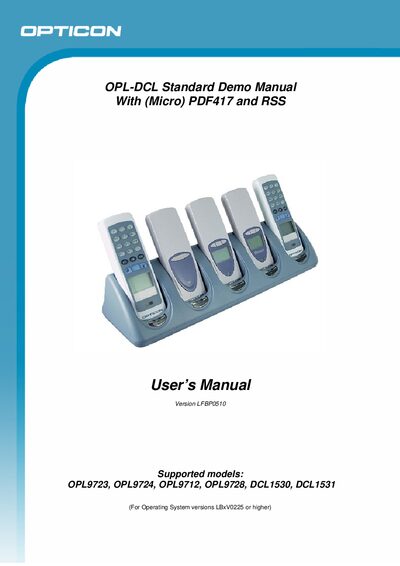
The Opticon OPL/DCL Standard Demo manual explains how to use supported scanners (OPL9723, OPL9724, OPL9712, OPL9728, DCL1530, DCL1531) for real‑time or batch data collection. It covers menu navigation, key functions, Bluetooth configuration, and data transfer methods.
The guide also details battery management, data file format, and version information, providing step‑by‑step instructions for scanning, editing, deleting, and sending data, as well as troubleshooting battery warnings.
| Supported models | OPL9723, OPL9724, OPL9712, OPL9728, DCL1530, DCL1531 |
|---|---|
| Data file name | DATA.TXT |
When charging, the LED is RED; it turns GREEN and a full‑charge image appears when the battery is fully charged.
A warning message appears on the screen, prompting you to place the scanner on the cradle to recharge.