
This manual introduces the installation and use of Opticon LGP Series Handheld CCD Scanner
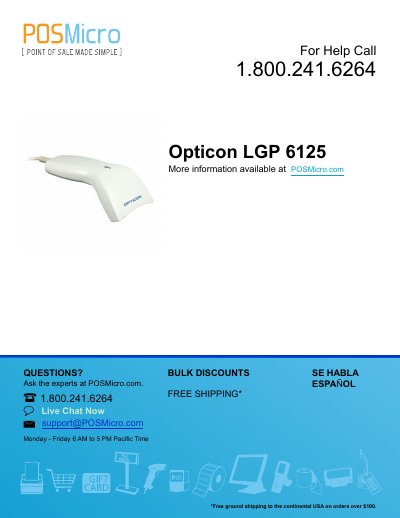
This manual provides instructions for the Opticon LGP 6125 Series Handheld CCD Scanner, which utilizes state-of-the-art imaging technology similar to digital cameras to capture bar code images. The device features a solid-state construction with no moving mechanical parts, designed for fast and accurate reading.
| Interface Types | Keyboard Wedge, RS232 Serial, USB |
|---|---|
| Default Communication Settings | 9600 baud, 8 data bits, 1 stop bit, no parity |
The model number is located near the connector end of the cable.
Scan the Start Program Menu bar code, then scan the 'Reset all Defaults' programming bar code, and finally scan the End Program Menu bar.