
Opticon NLV 1001 Fixed-Position Laser Barcode Scanner Quick Start Guide

This quick start guide covers the external structure, usage precautions, scanning methods, troubleshooting, and RS232 interface setup for the Opticon NLV…
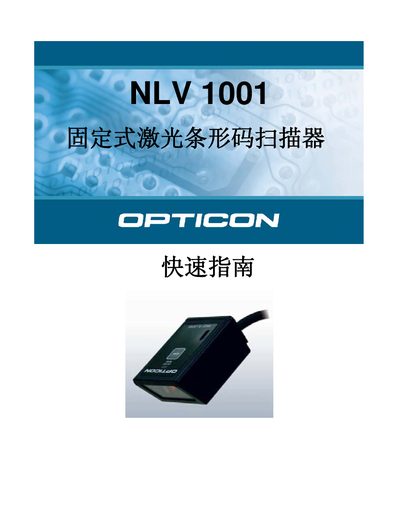

Opticon NLV 1001 Fixed-Position Laser Barcode Scanner Quick Start Guide - cover page
Brand
Opticon
Category
Scanner
Document type
Quick Start Guide
Language
Chinese
Pages
4
File format
PDF
File size
203 KB
Published
14 October, 2026
Updated
14 October, 2026
MD5 checksum
A9E00F89A44D02920C0840968CAF3F28

About this manual

The Opticon NLV 1001 is a fixed-position laser barcode scanner featuring a scanning window, a trigger key, and an LED indicator. It supports four connection interfaces: USB (HID), USB (COM), WEDGE, and RS232. Users must ensure the scanning window is clean and not obstructed to achieve optimal performance. This manual is written in Chinese.

What's inside

  • External Structure
  • Usage Precautions
  • Scanning Methods
  • Troubleshooting
  • RS232 Interface Setup

Frequently asked questions

What is the Opticon NLV 1001?

It is a fixed-position laser barcode scanner.

How should I clean the scanning window?

Wipe it with a soft cloth or use a small amount of non-corrosive household cleaner.

What is the operating temperature range?

The device must be operated between 0 and 40 degrees Celsius.

Download PDF (203 KB)

More Opticon Manuals


View all Opticon manuals →