
This document is the user manual for the Onkyo AVR 101IN audio/video receiver. It contains information on how to set up and operate the AVR 101IN.
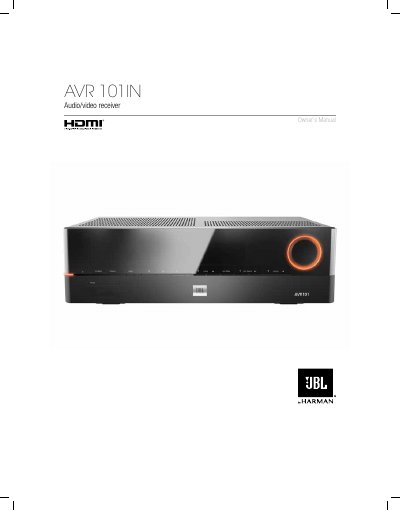
The AVR 101IN is a 5.1-channel digital audio/video receiver from JBL. Its owner's manual covers the supplied accessories, safety information, placement, front-panel and rear-panel controls, speaker and source connections, remote control setup, and the initial AVR configuration.
Operating sections explain volume control, source selection, surround modes, FM/AM radio, USB playback, iPod/iPhone/iPad devices, vTuner internet radio, home-network media, audio processing and system settings. Troubleshooting, specifications and an appendix complete the manual.
| Channels | 5.1-channel digital audio/video receiver |
|---|---|
| Line voltage | 220 – 240-volt AC |
| Ventilation clearance | 30cm above, 30cm behind and 30cm on each side of the unit |
| Supplied accessories | System remote control, AM loop antenna, FM wire antenna, two AAA batteries, AC power cord |
| Headphone jack | 1/4" stereo headphone plug |
The AVR 101IN has been designed for use with 220 – 240-volt AC; connecting it to a different line voltage may create a safety and fire hazard and damage the unit.
The receiver comes with a system remote control, AM loop antenna, FM wire antenna, two AAA batteries and an AC power cord.
No. Connecting a PC or other USB host/controller to the port may damage both the AVR and the other device.
The AVR has Off, Sleep and On modes; the power indicator glows solid amber in Off and Sleep and solid white when the unit is on.