
This product is a wireless range extender that can extend the range of an existing network to a wider area. It supports dual-band and can connect to both 2.4GHz and 5GHz networks simultaneously. It also has a built-in power outlet that can power other devices.
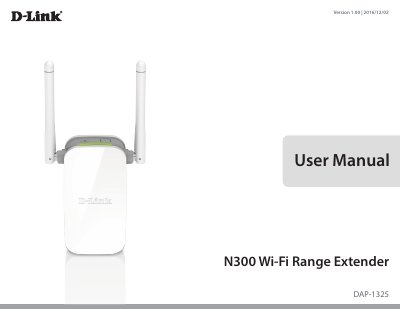
The D-Link DAP-1325 N300 Wi-Fi Range Extender extends the range of an existing wireless network and can also operate as a wireless access point when connected by Ethernet. The user manual covers product overview, package contents, system requirements, hardware setup, and configuration.
Setup options include WPS-PBC, the QRS mobile app, and web-based setup. The manual also provides troubleshooting steps, wireless basics, tips, and technical specifications.
| Standards | IEEE 802.11n, IEEE 802.11g |
|---|---|
| Wireless Frequency Range | 2.4 GHz to 2.4835 GHz |
| Device Interfaces | 10/100 Fast Ethernet Port |
| Antenna | External Antenna |
| Security | Wi-Fi Protected Access (WPA/WPA2) |
| Operating Temperature | 0 to 40 ˚C (32 to 104 ˚F) |
| Power Input | AC 110-240 V |
| Maximum Power Consumption | 5.5W |
Use an unfolded paperclip to press and hold the reset button on the bottom for 10 seconds.
It supports IEEE 802.11n and is backwards compatible with IEEE 802.11g.
The maximum power consumption is 5.5W.