
The Logitech X50 speaker user manual introduces the features, characteristics and usage of the speaker.
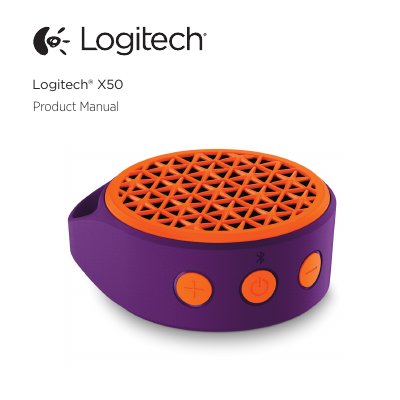
The Logitech X50 is a Bluetooth speaker that can also be connected to a source device with a 3.5 mm auxiliary cable. The manual identifies the speaker's parts: power/Bluetooth pairing button, volume buttons, 3.5 mm aux-in jack, micro USB connector and status LED.
It explains switching the speaker on and off, pairing a first device and additional devices, and how the speaker reconnects automatically to the last device used; it remembers the last eight devices. It also describes the LED colors and blinking patterns for charging, pairing, connectable and connected states. The same instructions are repeated in ten other languages.
| Bluetooth range | Approximately 10 meters (30 feet) |
|---|---|
| Supported Bluetooth profile | Advanced Audio Distribution Profile (A2DP) |
| Auxiliary input | 3.5 mm aux-in jack |
| Charging connector | Micro USB |
| Paired device memory | Last 8 devices |
| Automatic power off | After 15 minutes with no Bluetooth connection |
| Reconnect window | Within 5 minutes of the device returning in range |
Press and hold the Power/Bluetooth pairing button for 3 seconds. The speaker enters pairing mode, makes a sound and flashes its Bluetooth LED while it searches.
The range is approximately 10 meters, or 30 feet. If the source device goes out of range the connection is suspended, and the speaker reconnects if the device returns within 5 minutes.
Yes. To save power, it turns itself off after 15 minutes of no Bluetooth connection.
It remembers the last 8 devices it was connected to, and when switched on it tries to reconnect to the last device used.