
Blackmagic Design Pocket Cinema Camera, Cinema Camera, and Production Camera 4K Installation and Operation Manual

Blackmagic Cameras Installation and Operation Manual is the official user manual of Blackmagic Cameras, which introduces the use methods, functional characteristics, installation methods and other aspects of the camera
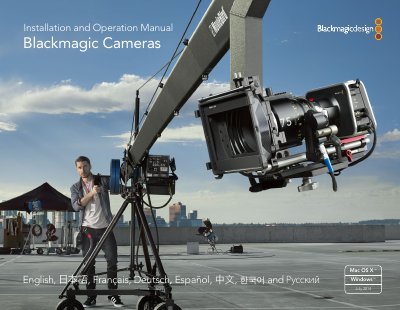

Blackmagic Design Pocket Cinema Camera, Cinema Camera, and Production Camera 4K Installation and Operation Manual - cover page
Brand
Blackmagicdesign
Document type
User Manual
Language
English
Pages
345
File format
PDF
File size
29.5 MB
Published
03 November, 2023
Updated
03 November, 2023
MD5 checksum
8007AA6AF603000898F5ED7041795B14

About this manual

This manual provides instructions for the Blackmagic Pocket Cinema Camera, Cinema Camera, and Production Camera 4K. It covers getting started procedures, including attaching lenses, inserting batteries or SSDs, and turning the camera on. The guide details how to adjust settings, record clips, and play back footage.

What's inside

  • Introducing Blackmagic Cameras
  • Getting Started
  • Attaching a Lens
  • Turning Your Camera On
  • Inserting an SD Card
  • Inserting an SSD
  • Recording
  • Playing Back Clips
  • Camera Video Output
  • Post Production Workflow

Frequently asked questions

What kind of camera is the Pocket Cinema Camera?

The Pocket Cinema Camera is a Super 16 digital film camera with 13 stops of dynamic range, and it is small enough to take anywhere.

What is the Production Camera 4K?

The Production Camera 4K is a Super 35 Ultra HD 4K camera with a global shutter and 6G-SDI output.

How do you turn on the camera?

Press and hold the power button to turn the camera on or off.

Download PDF (29.5 MB)

More Blackmagicdesign Manuals


View all Blackmagicdesign manuals →