
Blackmagic Design DaVinci Resolve 17 Beginner's Guide

A comprehensive user guide for Blackmagic Design DaVinci Resolve 17 covering editing, color correction, audio mixing, visual effects, and project delivery.
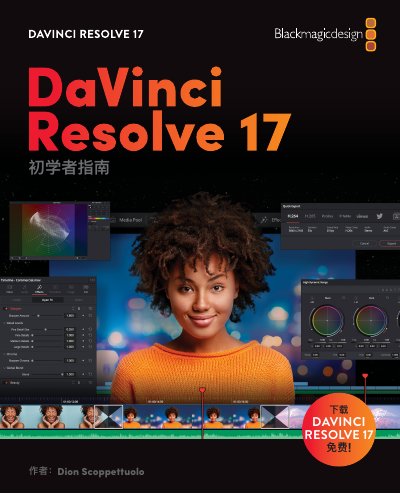

Blackmagic Design DaVinci Resolve 17 Beginner's Guide - cover page
Brand
Blackmagicdesign
Document type
User Manual
Language
Chinese
Pages
457
File format
PDF
File size
48.6 MB
Published
15 October, 2026
Updated
15 October, 2026
MD5 checksum
A39CDB55C21792CED3ECA3BE62080D33

About this manual

This manual serves as a beginner's guide to the Blackmagic Design DaVinci Resolve 17 software. It introduces users to the integrated workflow that combines cutting, color grading, audio post-production, and visual effects into a single application. The text highlights the new 'Cut' page designed for rapid editing under time constraints. This manual is written in Chinese.

What's inside

  • Introduction
  • Quick Cut Page Editing
  • Edit Page Basics
  • Project Management
  • Rough Cuts
  • Timeline Optimization
  • Transitions and Effects
  • Audio Mixing in Fairlight
  • Color Grading
  • Visual Effects in Fusion

Frequently asked questions

Is DaVinci Resolve 17 free?

Yes, the software is completely free and includes more features than many paid editing systems.

What does DaVinci Resolve 17 integrate?

It integrates cutting, color grading, audio post-production, and visual effects into one solution.

Download PDF (48.6 MB)

More Blackmagicdesign Manuals


View all Blackmagicdesign manuals →