
Key facts
- Manuals
- 2
- Languages
- EN
- Last added
- 2026-09-28
Featured Blackmagicdesign manuals
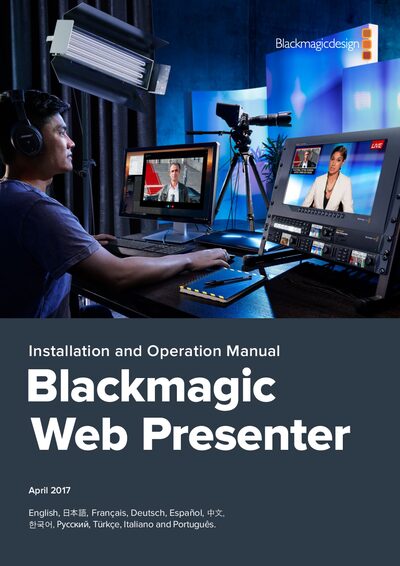
Blackmagic Web Presenter Installation and Operation Manual
This guide walks you through the initial setup of the Blackmagic Web Presenter, including power connection, video and audio inputs, and USB connection to a computer. It also covers how to select the device as a webcam in various applications.
Further sections describe using the optional Teranex Mini Smart Panel, adjusting video and audio settings, and troubleshooting, with regulatory and warranty information at the end.
Covers: Getting Started · Connecting to your Computer · Using with Third Party Software · Using Teranex Mini Smart Panel · Settings · Appendix
Latest Blackmagicdesign manuals
Blackmagic Web Presenter Installation and Operation Manual
User Manual 274 pages · 7.4 MB · ENThe manual explains how to power, connect video/audio, configure the Blackmagic Web Presenter and use it with streaming software.
Blackmagicdesign Intensity Manual
This document is the product manual for FRENIC-MEGA series inverters, which provides detailed information about the inverter's features and operation methods.
Which document do I need?
User Manual
Day-to-day operation, settings and troubleshooting. Start here if the product is already set up.
Questions answered in Blackmagicdesign manuals
What power cable is required for the Web Presenter?
Use a standard IEC power cable and plug it into the power input on the rear panel of the unit.
From: Blackmagic Web Presenter Installation and Operation Manual
Which video resolutions does the Web Presenter accept and how does it output?
It accepts SD, HD and Ultra HD signals up to 2160p60 via SDI or HDMI and down‑converts them to 720p for the USB webcam output.
From: Blackmagic Web Presenter Installation and Operation Manual