
Blackmagic Video Assist is a convenient, easy-to-use video monitoring and recording device that can be connected to any camera, supports 3G-SDI and 12G-SDI signals, monitors HD or Ultra HD video, and 12G models support HDR display. The 7-inch model has dual SD card slots for continuous recording.
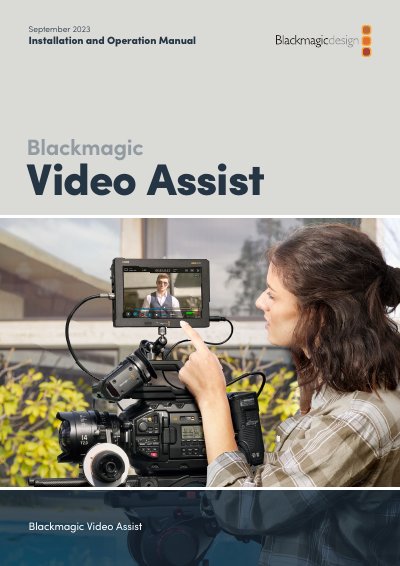
This manual explains how to set up and use the Blackmagic Video Assist as a monitor and recorder. It covers power, video and audio connections, SD card insertion, recording, playback, touchscreen settings, storage media, webcam use, and DaVinci Resolve workflow.
The Blackmagic Video Assist supports 3G-SDI and 12G-SDI inputs, HDR displays rated up to 2,500 nits, and recording with Apple ProRes and Avid DNx codecs. Seven-inch models include dual SD card slots and support continuous recording across media.
| Display brightness | Up to 2,500 nits |
|---|---|
| Video inputs | 3G-SDI and 12G-SDI |
| SD card slots | Dual card slots on 7-inch models |
| Battery type | Sony L-series batteries |
| External power | 36W 12V power cable |
| SD card write speed for 12G HDR | Above 224MB/s for ProRes HQ Ultra HD 2160p60 |
| Recording codecs | Apple ProRes and Avid DNx |
| Supported storage formats | HFS+ or exFAT |
Tap the circular record icon at the bottom of the LCD, then tap the stop icon to stop recording.
Yes. With more than one card or an external drive, recording spills over to the next slot without dropped frames.
Use the supplied power adapter connected to the +12V input, or use Sony L-series batteries.