
Installation and operation guide for Blackmagic Design's H.264 Pro Recorder, covering setup, system requirements, and use of Blackmagic Media Express software.
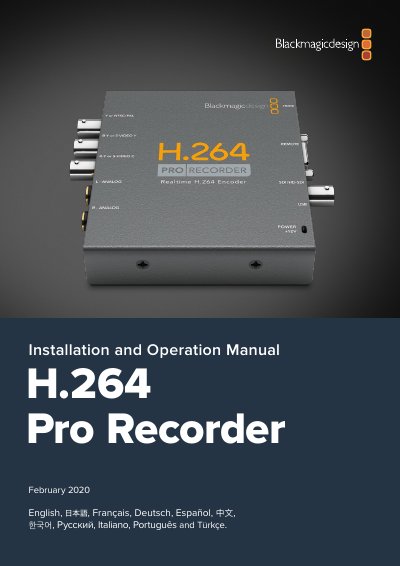
This manual guides users through installing and operating the H.264 Pro Recorder, a device for real-time H.264 video encoding. It covers hardware setup, software installation for Mac and Windows, system requirements, and using Blackmagic Media Express for capturing and playing back video. The device supports multiple video inputs and RS-422 remote control for professional workflows.
The manual includes detailed steps for connecting the hardware, installing drivers, configuring Media Express, and setting project parameters. It also explains how to capture and playback video, manage media, and use device control features for batch capture and frame-accurate editing.
It converts videos to H.264 in real time for the web, iPhone, iPad, Apple TV, YouTube and more.
It can capture from SDI, HDMI, component analog, composite analog, and S-Video.
The computer needs 4GB of RAM.
Blackmagic Desktop Video software is required to configure and control the H.264 Pro Recorder.