
This document is about the SICK NAV350 laser rangefinder debugging manual, mainly introducing how to connect devices, place reflective stickers, learn reflective stickers, enter navigation mode, initialize and navigation control, etc.
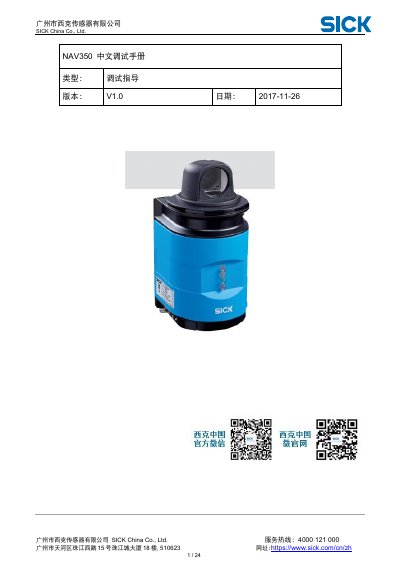
This manual provides commissioning and debugging instructions for the SICK NAV350. It is issued by SICK China Co., Ltd. and explains how to connect the device using SOPAS software.
It covers arranging and learning reflective tapes, entering navigation mode, setting basic and positioning parameters, saving parameters, and using initialization and navigation control commands. This manual is written in Chinese.
| Default IP address | 192.168.1.10 |
|---|---|
| Action radius | 500-10000 mm |
| Accuracy | 4 mm |
| Reflector threshold | 50 |
The default IP address is 192.168.1.10.
The password is client.
At least 3 tapes are required, and 4 or 5 are recommended.
Cylindrical reflective tape is recommended.