
Chinese operation manual for SICK TIM series laser scanners covering setup, configuration, data output and self‑learning mode.
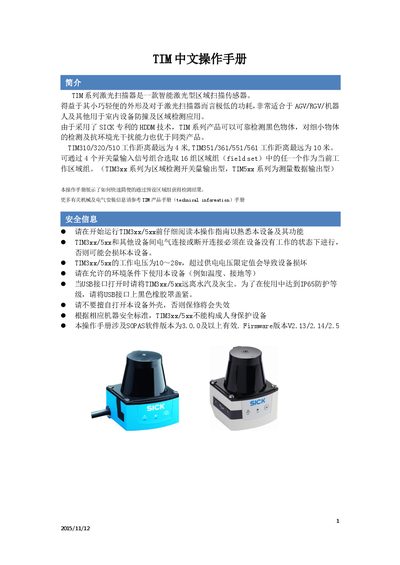
The TIM series laser scanners are compact, low‑power devices designed for indoor AGV/RGV and robot collision detection. They use SICK's patented HDDM technology, offering reliable detection of black and small objects with strong ambient‑light immunity.
The manual explains product models, wiring, installation alignment, SOPAS software configuration, data output formats and the optional self‑learning mode for automatic region generation. This manual is written in Chinese.
| Maximum working distance (TIM310/320/510) | 4 m |
|---|---|
| Maximum working distance (TIM351/361/551/561) | 10 m |
| Protection level | IP65 (TIM3xx), IP67 (TIM5xx) |
| Power supply voltage | 10 V – 28 V |
| Operating temperature (indoor) | -10 °C – 50 °C |
| Operating temperature (outdoor) | -25 °C – 50 °C |
| Dimensions (TIM3xx) | 60 mm × 60 mm × 79 mm |
| Weight (TIM3xx) | 0.15 kg |
The TIM310 works up to 4 meters.
A TIM310 (and TIM351) includes 16 region groups.
The devices operate on a supply voltage of 10 V to 28 V.
SOPAS version 3.0.0 or higher is required.