
The SICK ATM60-D absolute rotary shaft encoder manual provides installation, wiring, configuration, and operation instructions for DeviceNet networks.
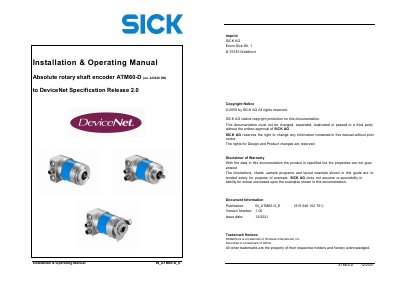
This manual gives qualified personnel the information needed to install, mount, and operate the SICK ATM60-D absolute multiturn encoder in an industrial environment. It covers safety regulations, mechanical installation, electrical connection, DeviceNet object model, and commissioning procedures.
The document includes sections on safety guidelines, mechanical and electrical installation, encoder operating modes, DeviceNet messaging, troubleshooting, and technical specifications such as resolution, bit depth, and parameter storage. Appendices provide additional reference material and drawings.
| Counts per Revolution (CPR) | Customer specified |
|---|---|
| Physical Resolution Span (PRS) | 8.192 |
| Physical Number of Revolutions (PnumRev) | 8.192 |
| Bit resolution | 26 bits |
The encoder may only be assembled when power is removed; all voltage must be switched off and the device must be handled by qualified personnel.
Use the explicit messaging command “Saving encoder parameters to EEPROM” as described in the manual.
Use the DeviceNet adaptor with cable termination model AD-ATM60‑KR?DN.
This manual explains 3 error codes. Open a code for its meaning, causes and what to do: