
Instruction manual describes how to install, connect, debug and maintain the LonWorks® FTP option card.
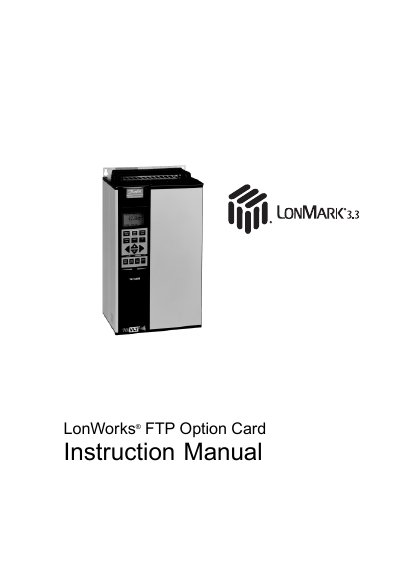
This manual provides instructions for the installation, start-up and maintenance of the LonWorks FTP Option Card for the VLT 5000, VLT 6000 and VLT 8000 Adjustable Frequency Drive. It includes safety guidelines and states that installation, start-up and maintenance should be performed only by qualified personnel.
The manual also covers LonWorks network concepts, wiring and card installation, network initialization, free topology configuration, diagnostic LEDs, network variables, VLT parameter access, standard object support, alarm descriptions and parameters.
| Ground current | Higher than 3 mA |
|---|
Installation, start-up and maintenance should be performed only by qualified personnel.
Wait 14 minutes after power has been removed.
It covers the VLT 5000, VLT 6000 and VLT 8000 Adjustable Frequency Drive.
No, it does not disconnect the equipment from the AC line and is not to be used as a safety switch.