
Philips VTR8400 VoiceTracer is a multifunctional voice microphone that supports one-key recording, voice to text, live recording, sound recording, music singing recording, leisure entertainment, singing, live broadcast, clean singing and sound effects.
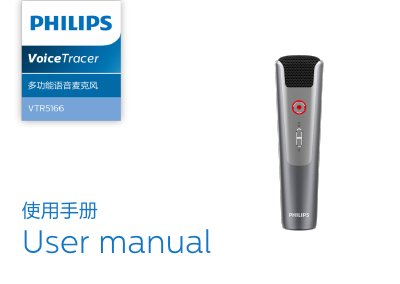
This is the Chinese user manual for the Philips VoiceTracer VTR840 audio/video recorder (音视频记录仪), a multi-function voice microphone that records to a microTF card. The manual opens with the product features and safety notes, then describes the supplied parts, the button and port layout, powering on and off, and connecting the device to a computer over the Type-c port.
The rest of the manual explains recording, on-site speech-to-text with the PC software, entertainment modes (singing, a cappella and live broadcast), playback, the indicator light descriptions, troubleshooting for start-up, recording, playback and no-sound problems, and the technical parameters including memory, dimensions, weight, system requirements, recording format and operating conditions. This manual is written in Chinese.
| Memory card support | MicroTF cards from 4 GB to 32 GB |
|---|---|
| Dimensions (W × H) | 145 × 40 mm |
| Weight (including battery) | 161 g |
| Supported operating systems | Windows 10 / Windows 8 / Windows 7 / Vista / XP / 2000, Linux |
| Interface | Type-c interface |
| Microphone capsule | 14 mm condenser, independently suspended diaphragm capsule |
| Recording format | WAV, 44.1 kHz/4 bit, bit rate 176.4 kbps |
| Operating humidity | 10% – 90%, non-condensing |
No. The device has no internal memory, so a TF memory card must be inserted before the recording function can be used.
Slide the power switch to ON to switch it on and to OFF to switch it off; the LED lights up after power-on.
In standby mode, press and hold the record key to start recording (the red indicator lights up), then short-press the record key to save and exit.
Enter the correct product serial number and the password, whose initial value is 123456, then log in.